It's built on Apple's Screen Time
Hima doesn't invent its own blocking. It uses the frameworks Apple built for exactly this—which is why it can place a pause without seeing inside your apps.
Hima sits between your thumb and the app. Not to stop you—to give you the half-second you'd otherwise skip. Below: the mechanism, everything Premium adds, and the full list of what reaches our servers.
Hima asks iOS to show you Apple's own app picker. You tick the apps that pull you in. Hima never sees a list of what's on your phone—more on that below.
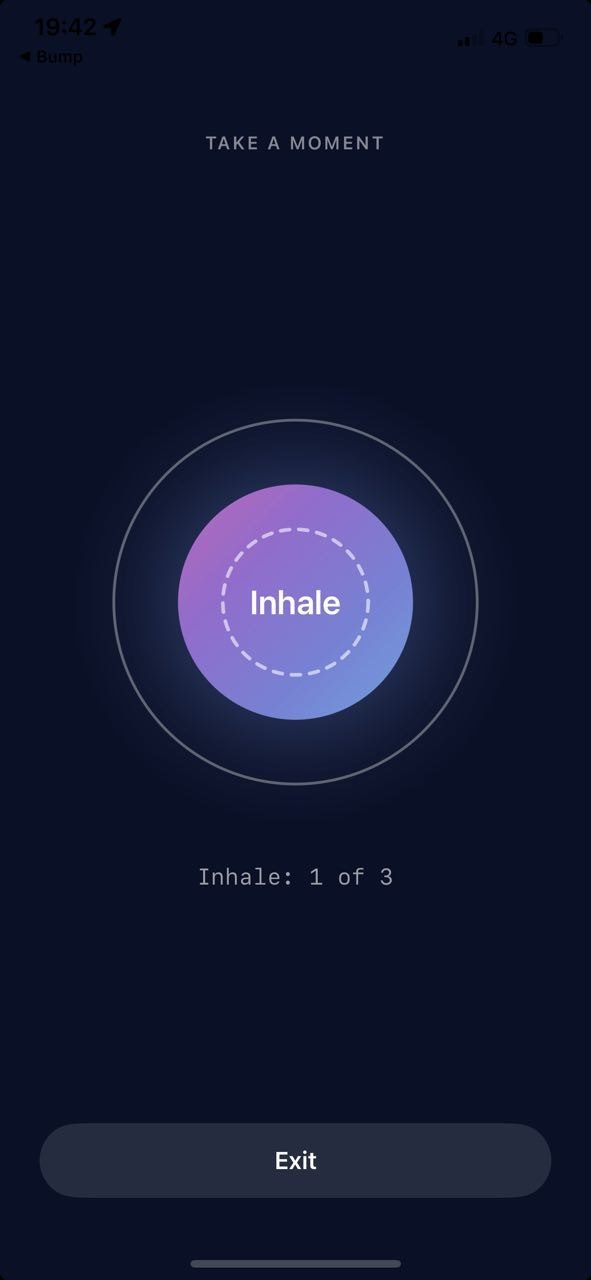
Your thumb does what it always does. But the feed isn't there yet. A breathing screen is—long enough to notice that you never actually decided to open anything.
Most people leave at this point. Not because they were blocked, but because the reflex ran out of road.
Five minutes. Twenty. An hour. You pick before you enter, while you still have an opinion about it. When the time is up, the pause comes back. Five minutes means five minutes.
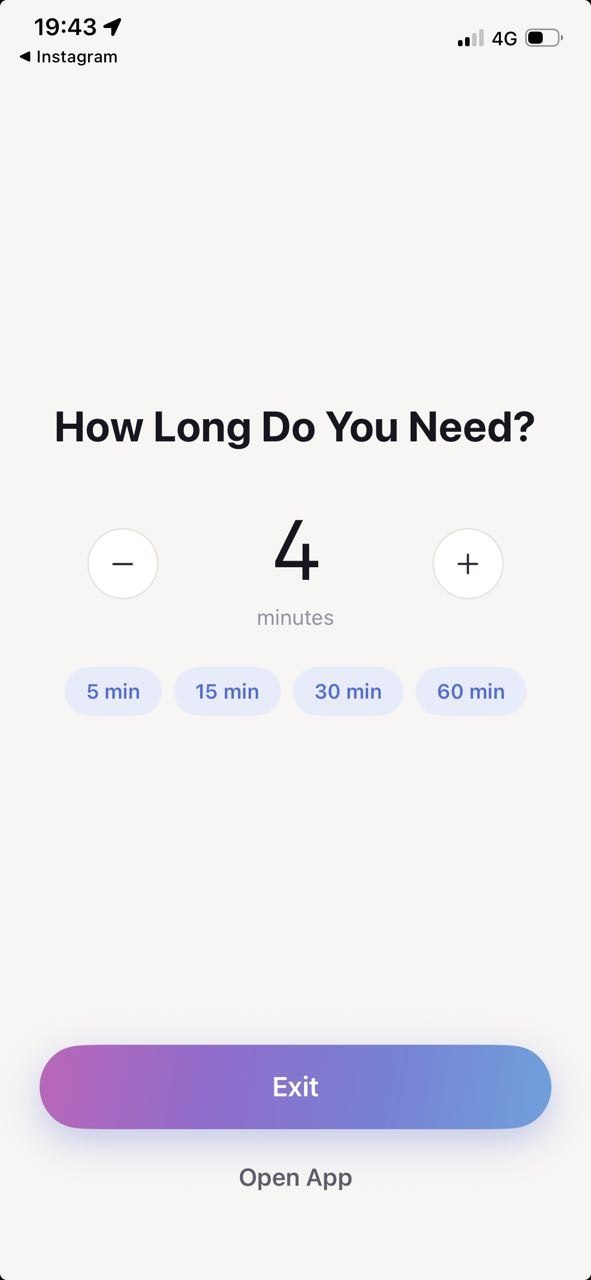
Hima doesn't invent its own blocking. It uses the frameworks Apple built for exactly this—which is why it can place a pause without seeing inside your apps.
Deleting works until the evening you reinstall. Hima leaves your apps where they are and changes the moment before you open them.
Willpower shows up late and inconsistently. A pause shows up every single time, at exactly the right second.
Premium covers every app that pulls at you, the hours you want protected, and a boundary that holds on its own. It doesn't unlock “more blocking”, and it never takes anything away from the free version later—the free pause stays free.
Instagram was never the only one. Add every app that opens itself, and the pause covers all of them.
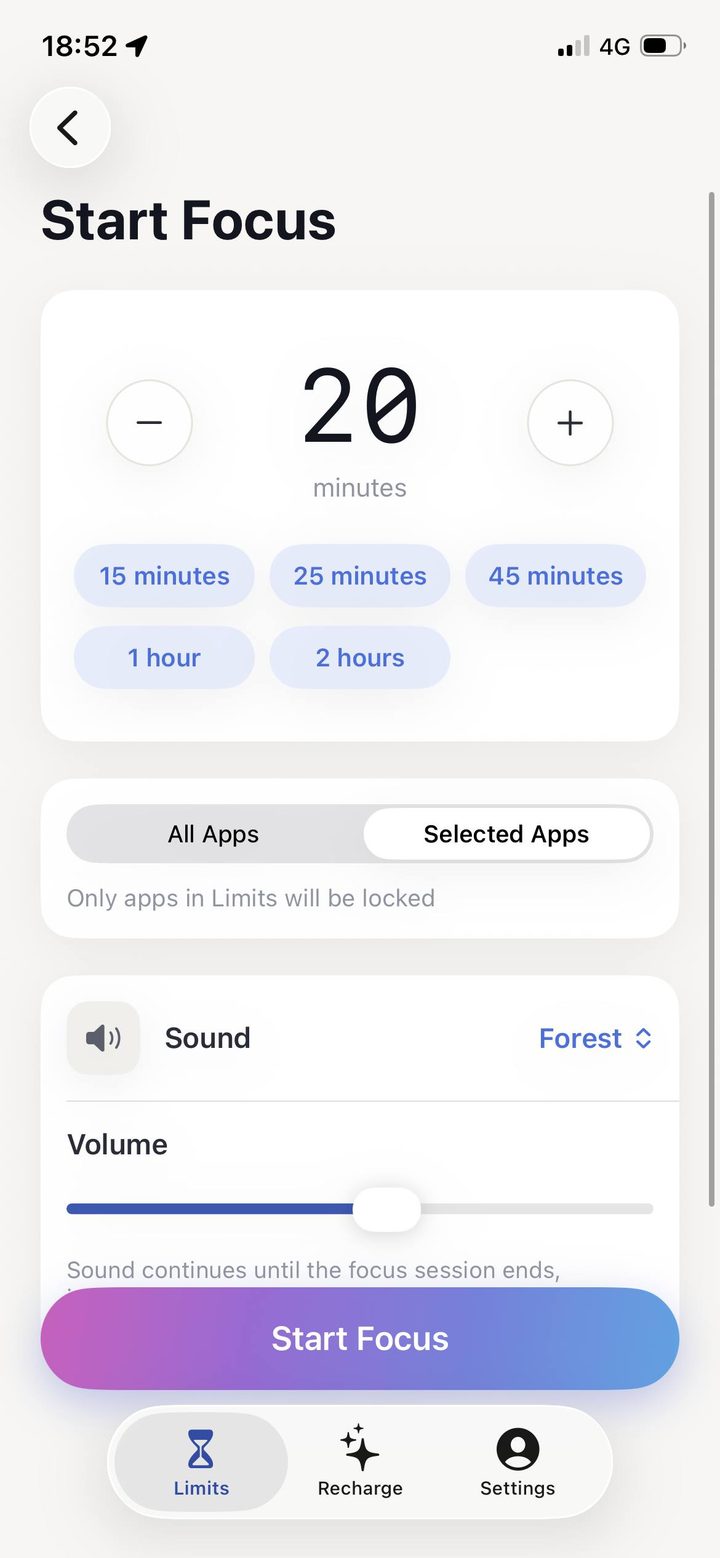
Your selected apps go unavailable for a set period. Work starts, distractions stop—one tap, no negotiation with yourself halfway through.
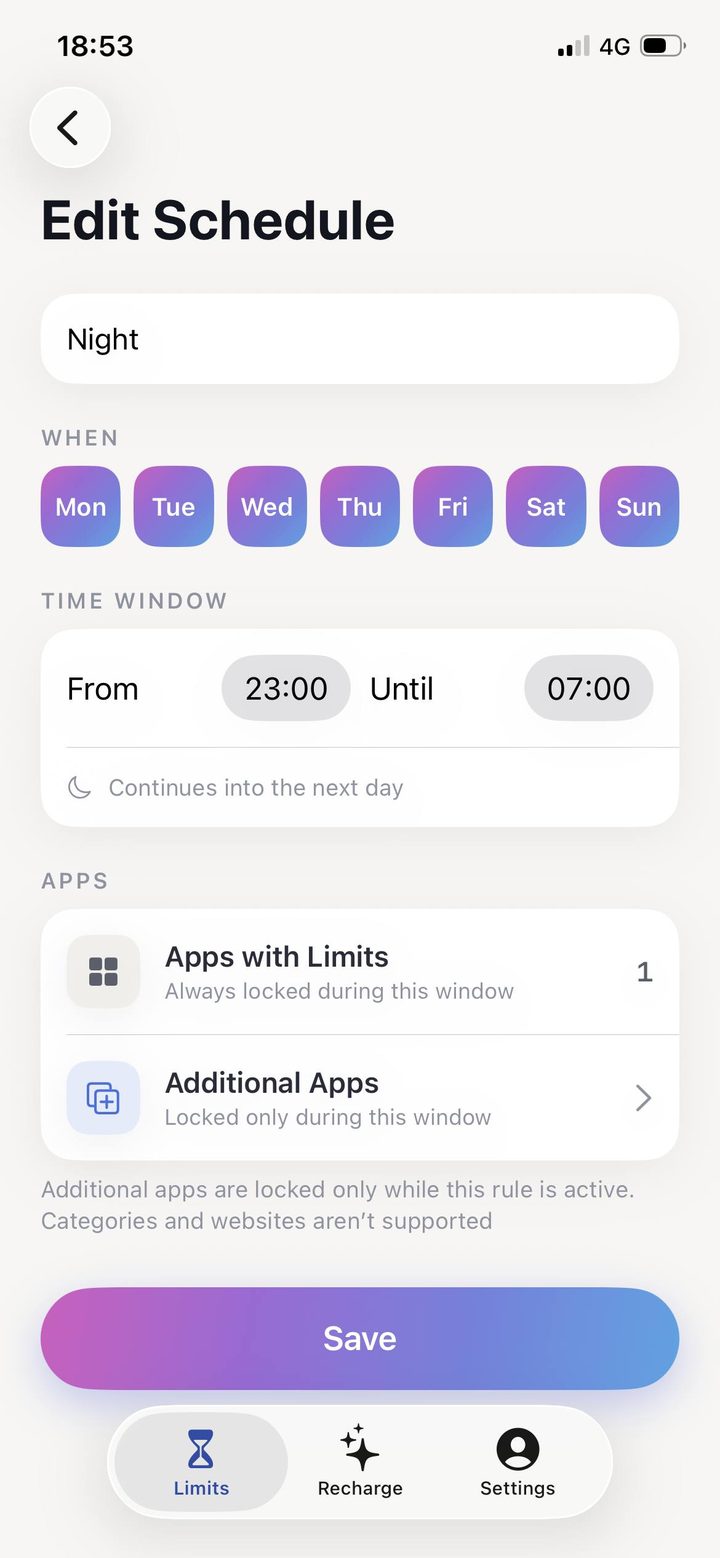
Recurring schedules that protect sleep, work, family time, or anything else that keeps losing to a feed. Set once, then forget it.
A realistic boundary for each app.
Make the pause longer, shorter, or quieter—tuned to how much distance you actually need from the impulse.
A Focus session you start when work begins, and a rule that repeats every night without you having to remember it.
Pick the one that costs you the most. Hima puts a decision in front of it, every time.
Several named practices—coherent breathing, box breathing, the physiological sigh and others—each with its own sound.
One short text about attention, once a day. Not a feed—there's nothing to scroll here either.
Set your own times and days. Ordinary notifications, nothing more.
Hima asks for Screen Time access—one of the most sensitive permissions on iOS. You're right to think about it before you tap Allow. So here's the whole picture, including the part most apps leave out.
iOS hands Hima opaque tokens, not app names. Hima literally cannot read which apps you picked—that's Apple's architecture, not our promise.
Processed on device by Apple's framework. It is never sent to our servers, never used for advertising, never sold.
Limits, schedules, sessions. Stored locally, and we can't see any of them. Our server learns only that something happened—the list below is all of it—never what it was.
Not your messages, not your feed, not what you type. Hima has no way to see it.
The short list, in full. Nothing here is omitted to make the list look better.
No name. No sign-in. No profile. An email address appears in exactly one place—when you write to support yourself, and only because we'd otherwise have no way to answer.
Open on purpose.